
My system.
Maybe yours too.
A calm GTD® app for iPhone and Mac. Inbox, contexts, projects and a Today, synced through your own iCloud.
Zyz, as in sys(tem).


Why I built it
I've tried a lot of systems over the years, and the trouble was always me, not them. My lists grew until I stopped trusting them. My weekly review kept slipping. Project notes ended up in a different app, and slowly drifted out of date.
So I built the one that fits how I work. It's small on purpose: most things are just a title, and everything else is there when you need it.
Capture from anywhere
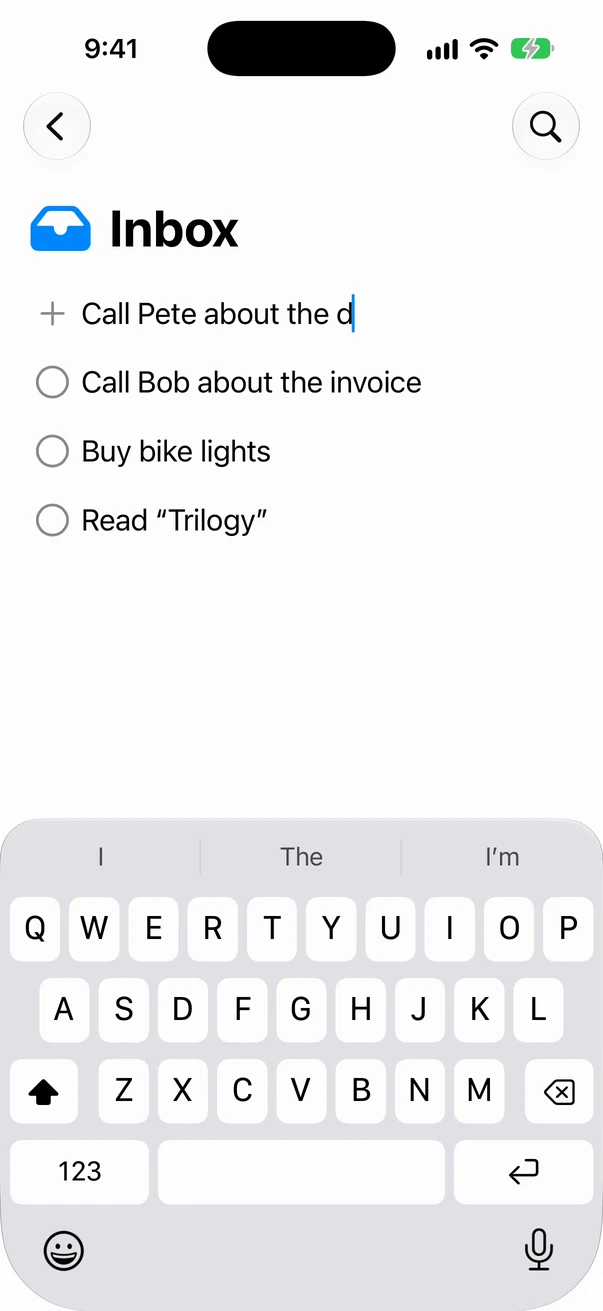
A thought is gone in seconds, so getting it in has to be faster than forgetting it. Whatever you catch lands in the Inbox, or straight in a project if you say so.
On the Mac
A global hotkey (⌃⌥⇧Space) from any app, an Alfred workflow, the command line, or your AI agent.
On the iPhone
The share sheet, the Action Button, Shortcuts and Siri.
Always in view
Widgets on the home screen, lock screen and Mac desktop keep Today one glance away.
Every list knows its job
Plain GTD, and each list carries what makes sense there, and nothing else.
Inbox
Everything lands here first, and leaves when you've decided what it is.
Contexts
Your next actions, by where or how you can do them. A date only when it really has to happen that day.
Waiting For
Who you're waiting on, since when, and a follow-up date that brings it back to Today.
Tickler
Things that should come back later, on a date, once or on repeat. They come back to your Inbox.
Someday/Maybe
Ideas in categories, one drag away from becoming real.
Today
What's due, what's overdue, follow-ups, and anything the Tickler brought back.

Projects keep their stuff
An outcome, and notes if you want them
What "done" looks like, plus Markdown notes for everything else you know about it.
Steps are a plan, not a to-do list
Steps give a project its structure and hold candidates. Move one to a context and it becomes the project's next action, linked back to it.
Frozen, not forgotten
Not now? Freeze a project with a reason and, if you like, a thaw date. On that day it comes back and asks.

The right link, one click away
Drag in what a project or an action needs: a web page, a Mail message, a Calendar event, a place from Maps, a contact, a file from iCloud Drive. Files open with a Quick Look preview, on the Mac and on the iPhone.

Nothing rots
Today keeps you honest
Things you've given a day roll forward with a small counter. After three days, Today asks you to decide: do it today, take the date off, pick a new day, or drop it.
A review that's easy to start
A short Review lists your active projects with the stalled ones on top, so the weekly review becomes a few minutes, not an afternoon.

Built for agents, too
There's no AI black magic inside: Zyz never reorders your lists or makes decisions about your work. But agentic use is first-class, not an afterthought.
On the Mac, the app itself is a command-line tool and an MCP server. Claude, or any MCP client, can capture, search, list, show, move, complete, edit and trash your items. The server runs locally on your Mac, with no service of mine in between, and works even when the app isn't open. What the agent passes on to its own AI provider is between you and it.
What an agent changes syncs like anything you do yourself. If you both change the same thing, Zyz keeps both versions and lets you pick, and anything deleted waits in the Trash.
claude mcp add zyz -- /Applications/Zyz.app/Contents/MacOS/Zyz mcpYour data stays yours
Nothing is ever lost
Every change is kept. When two devices change the same thing differently, Zyz shows you both and lets you choose.
In your own iCloud
No account, no server of mine, no tracking. Sync goes through your private iCloud, which I can't see.
Plain files, any time
On the Mac, pick a backup folder and Zyz keeps a copy of everything there as plain Markdown, after every change.
